
Coolant care

Plasma Sterilizer

A low-temperature plasma unit for managing microbial growth, deterioration and odour in water-soluble cutting fluids.

Plasma Sterilizer

Structure & features

A low-temperature plasma unit for managing microbial growth, deterioration and odour in water-soluble cutting fluids. Configuration depends on the tank and circulation conditions.

Inquiry inputs: process fluid · tank configuration · circulation conditions

Control panel

Plasma control panel

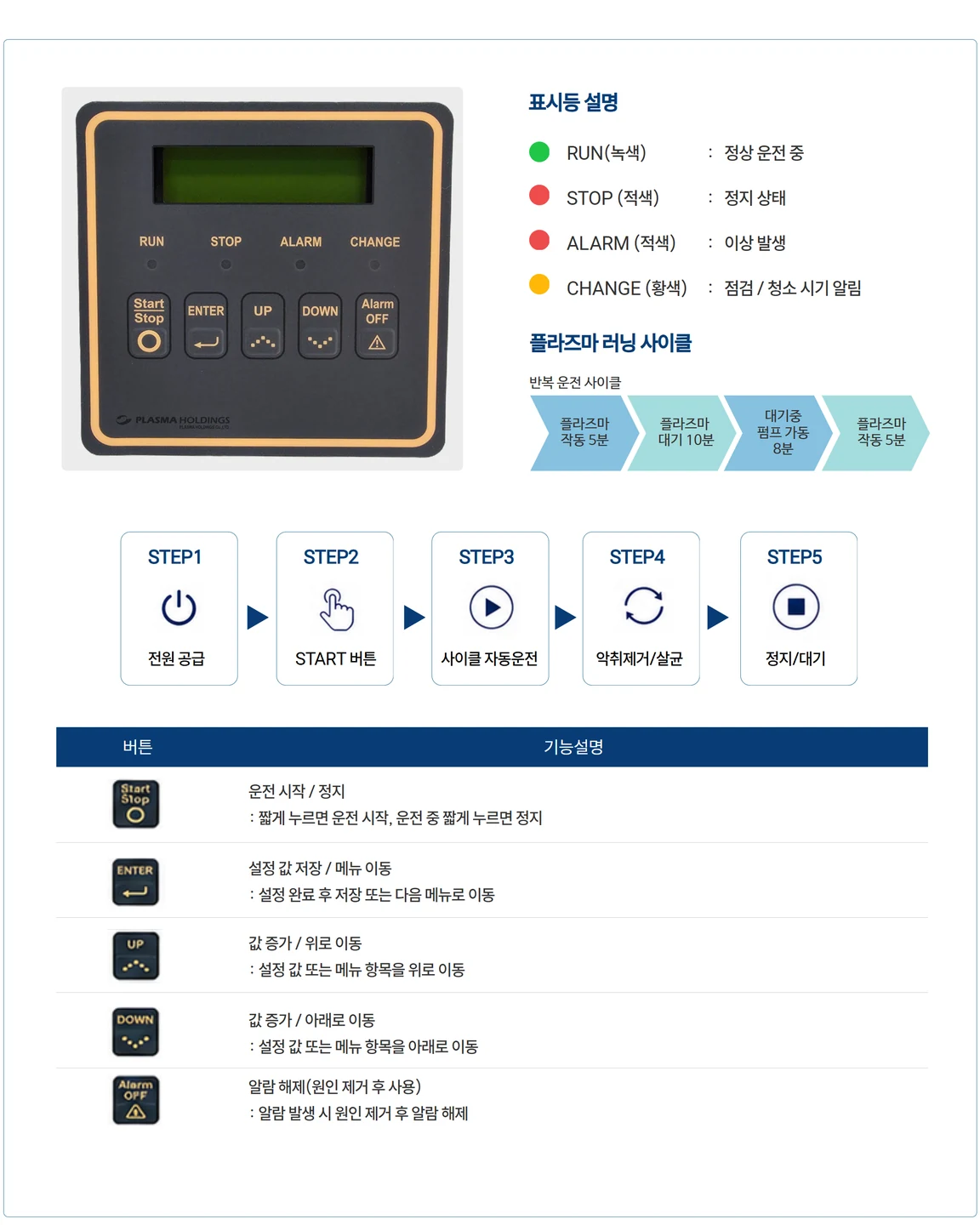
Indicator lights

RUN (Green)
Running
STOP (Red)
Stopped
ALARM (Red)
Fault detected
CHANGE (Amber)
Inspection or cleaning due

Plasma operating cycle

  1. Plasma on5 min
  2. Plasma standby10 min
  3. Pump during standby8 min
  4. Plasma restarts5 min

Operating sequence

  1. STEP 1Power on
  2. STEP 2Press START
  3. STEP 3Automatic cycle
  4. STEP 4Odor control and sterilization
  5. STEP 5Stop or standby
Control buttons
ButtonFunction
START / STOPStart or stop operationPress briefly to start. Press briefly during operation to stop.
ENTERSave settings or change menuSave the completed setting or move to the next menu.
UPIncrease value or move upIncrease the setting value or move up through the menu.
DOWNMove down through the menu
ALARM OFFClear the alarmUse after resolving the cause of the alarm.
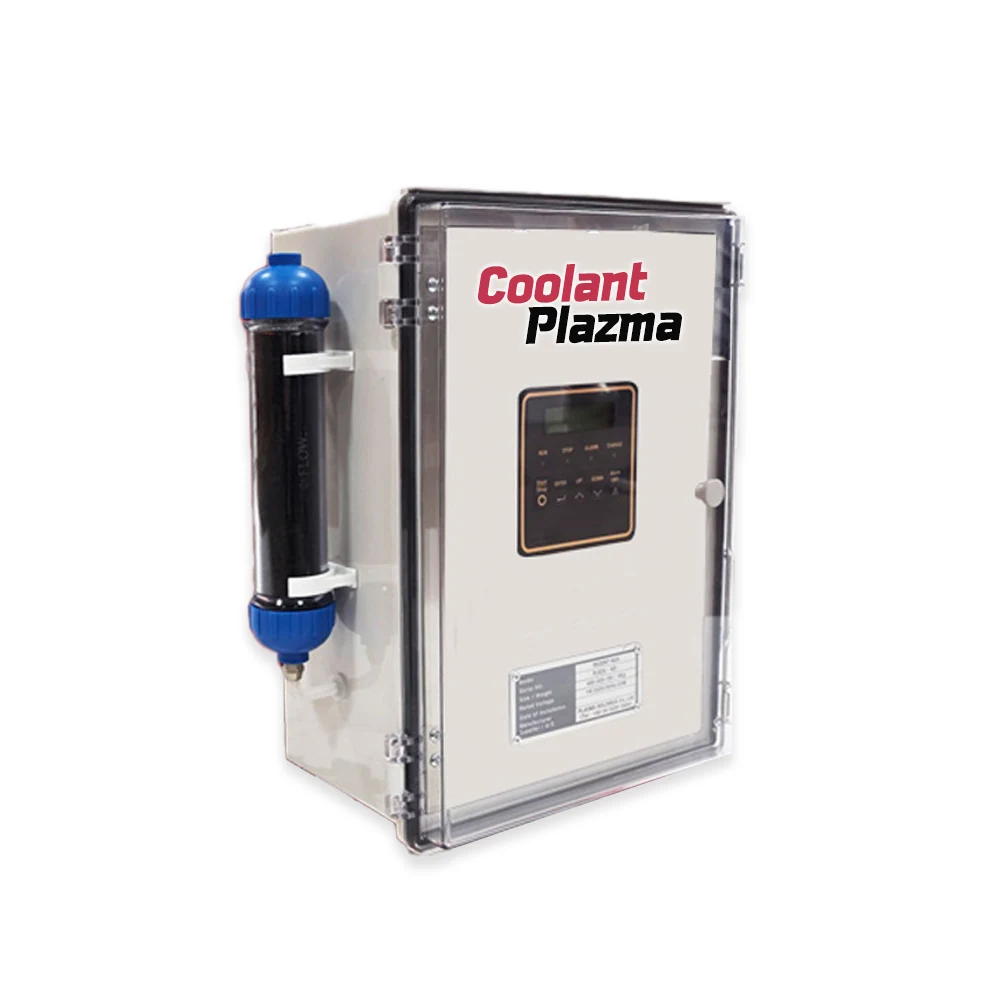
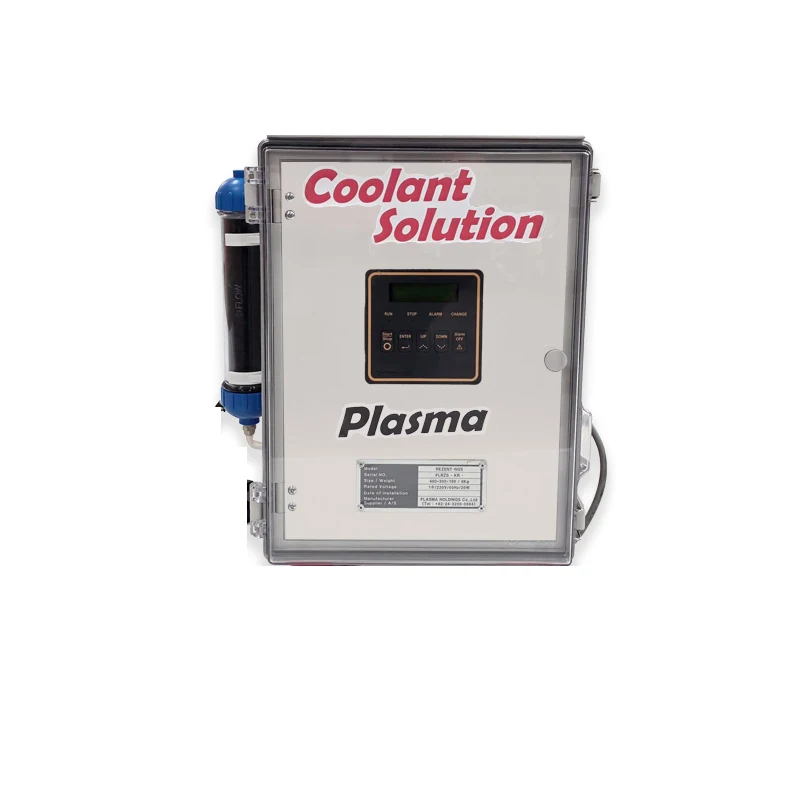
Plasma Sterilizer exterior
Plasma Sterilizer exteriorView original · new window

Operation, installation and safety

Operation
Use the factory settings supplied with the unit. Consult the manufacturer before changing operating conditions, as changes can affect performance and treatment efficiency.

Full description

Operation

Use the factory settings supplied with the unit. Consult the manufacturer before changing operating conditions, as changes can affect performance and treatment efficiency.

Operation steps

  1. Connect the power supply.
  2. Press START.
  3. Allow the automatic cycle to run.
  4. Run the odour-removal / sterilization operation.
  5. Stop the unit or place it on standby.

Installation steps

  1. Secure a level installation position near, and above, the coolant tank.
  2. Connect the PVC hose to the lower plasma discharge pipe and mixing tube (injection nozzle), and check all final connections.
  3. Place the connected mixing tube below the coolant surface in the tank.
  4. Connect the power, switch ON, press START and check normal RUN operation.

Safety precautions

  • Do not disassemble or modify the unit: risk of fire, electric shock or failure.
  • Do not use it for purposes other than coolant sterilization: risk of damage or accidents.
  • Do not operate with wet hands: risk of electric shock.
  • Disconnect the power before inspection: risk of electric shock or injury.
  • Provide ventilation and keep the installation away from flammable materials.
  • Drain the internal piping before prolonged non-use to help prevent freezing, corrosion and failure.

Applications

The source lists water-soluble cutting fluids, grinding fluids, large machine-tool coolant tanks and washing water in industrial cleaning equipment.
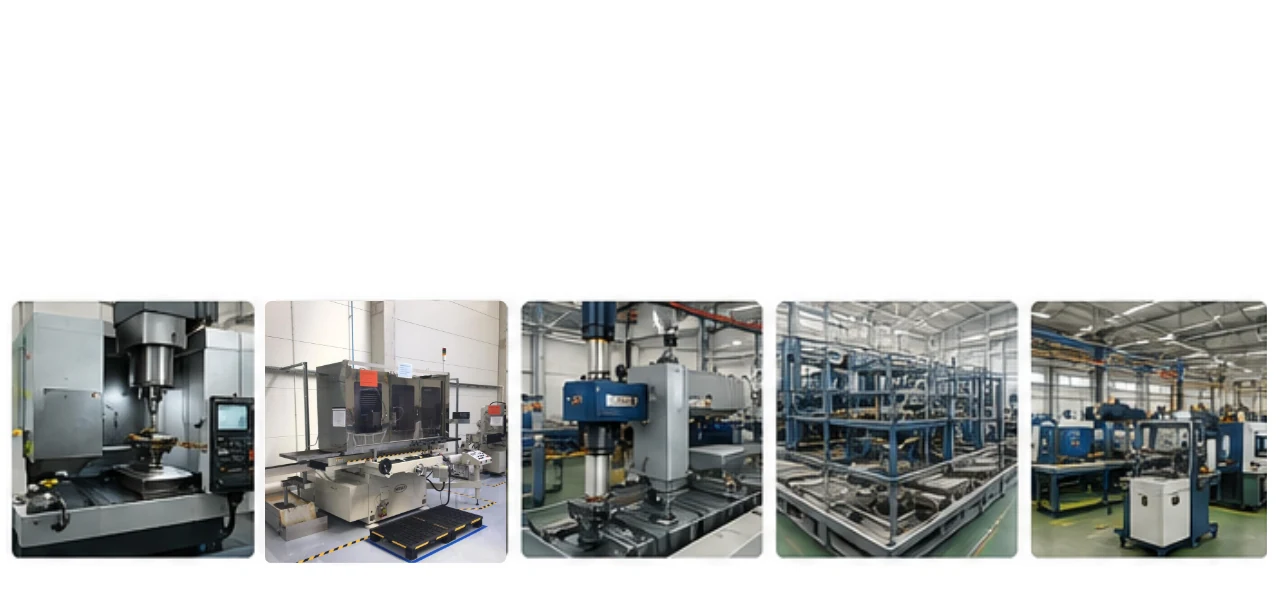
Application examples
Application examplesView original · new window

Panel indicator details

Horizontal and vertical table scrolling

Panel indicator details
IndicatorColourMeaning
RUNGreenNormal operation
STOPRedStopped
ALARMRedFault detected
CHANGEAmberInspection / cleaning reminder

Control button details

Horizontal and vertical table scrolling

Control button details
ButtonFunctionManual instructions
Start / StopStart / stop operationPress briefly to start; press briefly during operation to stop.
ENTERSave setting / move through menuSave the completed setting or move to the next menu.
UPIncrease value / move upIncrease the setting value or move up through menu items.
Alarm OFFReset alarm after resolving the causeUse after resolving the alarm cause.

Refer to the equipment manual for button operation.

Plasma operating cycle

Horizontal and vertical table scrolling

Plasma operating cycle
Source sequenceOperationTime
1Plasma operation5 min
2Plasma standby10 min
3Pump operation during standby8 min
4Plasma operation5 min

Standby and pump times are not added together. Use factory settings; consult the manufacturer before changing them.

Alarm checks

Horizontal and vertical table scrolling

Alarm checks
CheckInspection points
PumpNormal operation / inlet blockage / foreign matter
HoseKinked pipework / blocked hose / connection leaks
Liquid levelCheck the coolant level / replenish if low
Power supplyCircuit breaker / power supply / cable connections

After power-on, all indicators illuminate for approximately 1 second before standby. An alarm lights the ALARM indicator and sounds the buzzer. Resolve the cause, then press ALARM OFF.

Options & components

Tell us which options or components you need.

Request product information

Specifications

Model specifications

Horizontal and vertical table scrolling

Model specifications
MODELSIZEWEIGHTPOWERSuction pumpMotorCapacity
Plasma300x400x180 (mm)7KG220V(single-phase)60~ 120WBuilt-in pumpCoolant tank up to 300L (water-soluble)

Drawings & dimensions

Request drawings and dimensions for installation planning.

Request product information

Product inquiry

Plasma Sterilizer

Product & quotation inquiry